- Owner
 Judit
Judit- Due
- Today 14:00
- Status
- In progress
Judit: Checked it, the credit note goes out tomorrow.
 Cetli
Cetli
Internal task management from sole traders to 50-person companies
Cetli keeps your team’s work in one place. Everyone can see what needs doing, who owns it, when it is due – and what has happened since.
Free for up to 2 people · no card required · browser and phone
Where does your team work?
JuditJudit: Checked it, the credit note goes out tomorrow.
 Réka
RékaStarts automatically on every opening day.
RékaRéka: The photo arrived, the replacement is on its way.
 Balázs
Balázs: Photo attached, maintenance is on the way.
RékaRéka: Housekeeping has been told.
BalázsBalázs: Half of row B is done, the rest is left for the day shift.
BalázsBalázs: Site visit done, the repair is booked for Friday.
JuditJudit: The list is ready, 48 letters go out this week.
Sound familiar?
Three everyday situations from teams where work moves between people, locations, and shifts.
Workshop group · 10:32Has anyone told maintenance about the press? It is dripping again.
Balázs · 1 photo
Balázsplant manager · manufacturing workshop, 32 people
TodayBy the time maintenance arrives, nobody remembers who reported the fault or when.
With CetliThe fault is logged from a phone with a photo, Balázs assigns it, and he can see when it was closed.
Front desk · 14:05Does the evening shift know room 214 needs an extra bed?
Réka · today 18:00
Rékafront office manager · hotel, 24 people
TodayAt shift change, a notebook and a verbal handover decide what is known to be unfinished.
With CetliThe next shift sees the same status and comments, and daily checks start on their own.
Team chat · 08:47So who called Kovács Ltd. back in the end?
Judit · today 14:00
Juditoffice manager · service company, 14 people
TodaySomeone promised the call-back in chat, but by Monday nobody knows whether it happened.
With CetliThe call-back is now a task: everyone sees that Judit is on it, due today at 14:00.
The people are illustrations; the situations reflect typical daily operations of Cetli’s target teams.
How it works
No need to message someone to ask how it is going. The task itself carries its owner, deadline, and history.
Click a step or keep scrolling.
There has been an oil stain under press no. 2 since this morning; the operator says it is getting worse.

press-2-leak.jpgPhoto from a phone · 2.1 MB
The report does not sink to the bottom of a chat. It becomes its own task, with a photo and a description.
BalázsThe task gets an owner, a deadline, and a checklist. Everyone knows whose move it is.
Status, comments, and history show everyone the same picture – and stay searchable later.
Features
No need to roll out five different tools. Tasks, calendar, process documents, and internal news work with the same people and permissions.
Capture work quickly, assign people and groups, and add deadlines, priorities, labels, and checklists. List, column view, and full history show the same work from different angles.
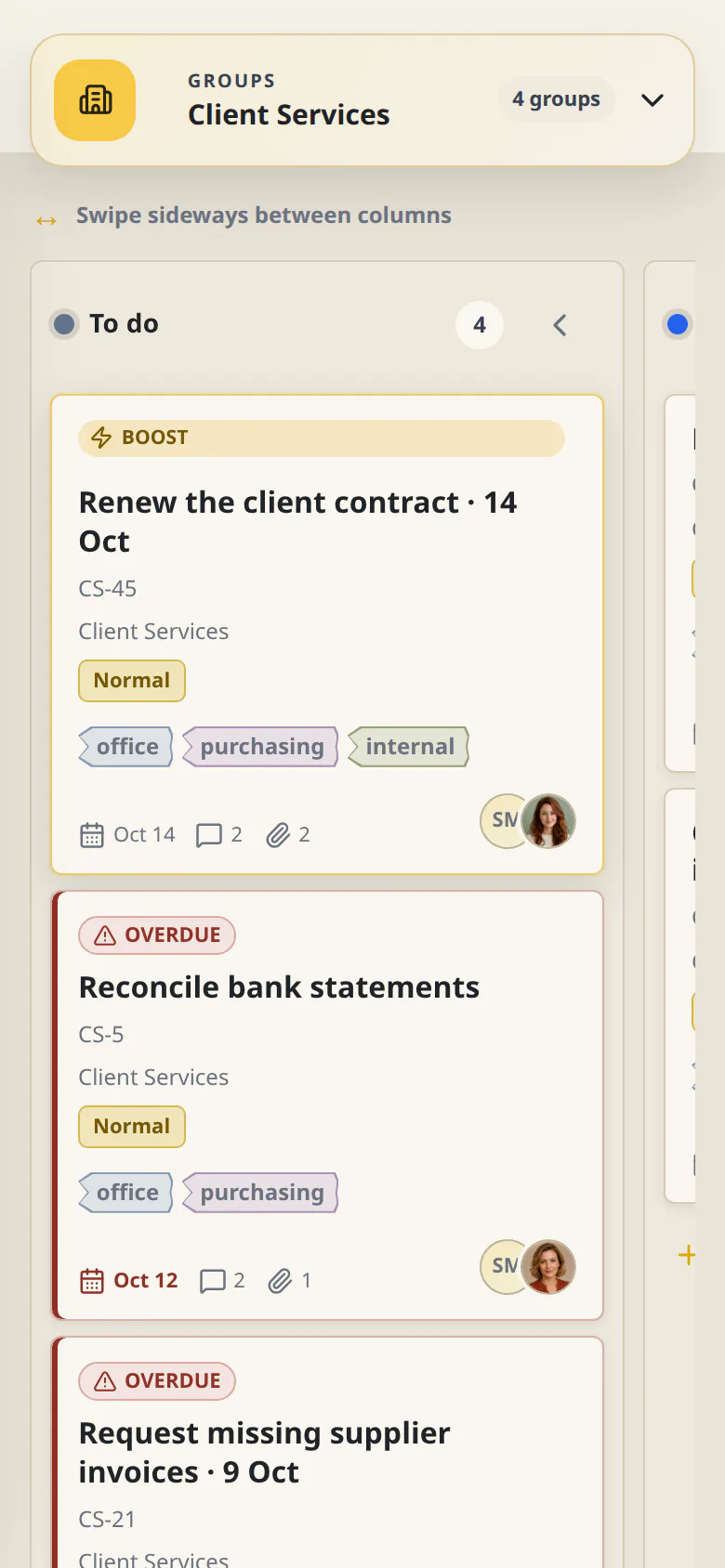
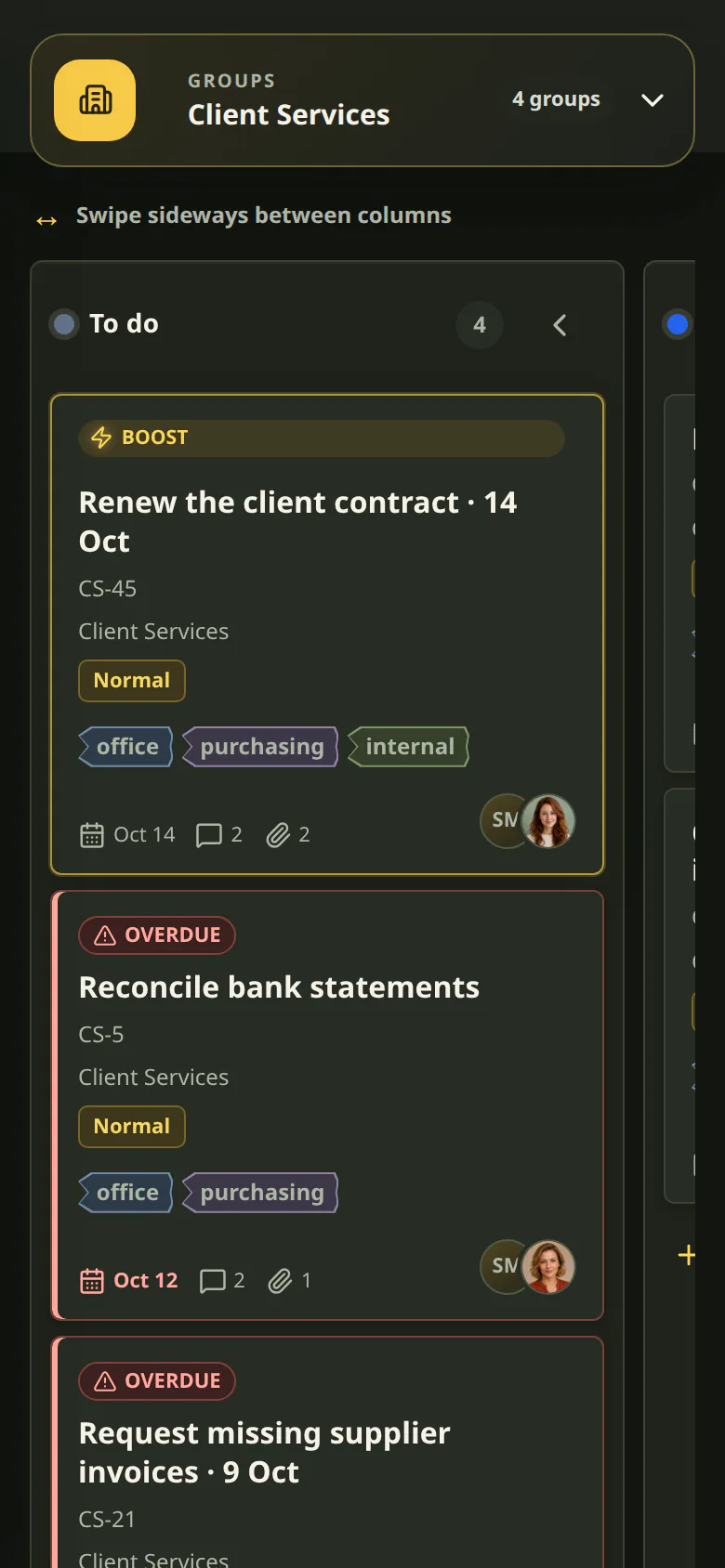
Projects get their own members, lead, status flow, and column view, keeping project work separate from everyday group tasks.


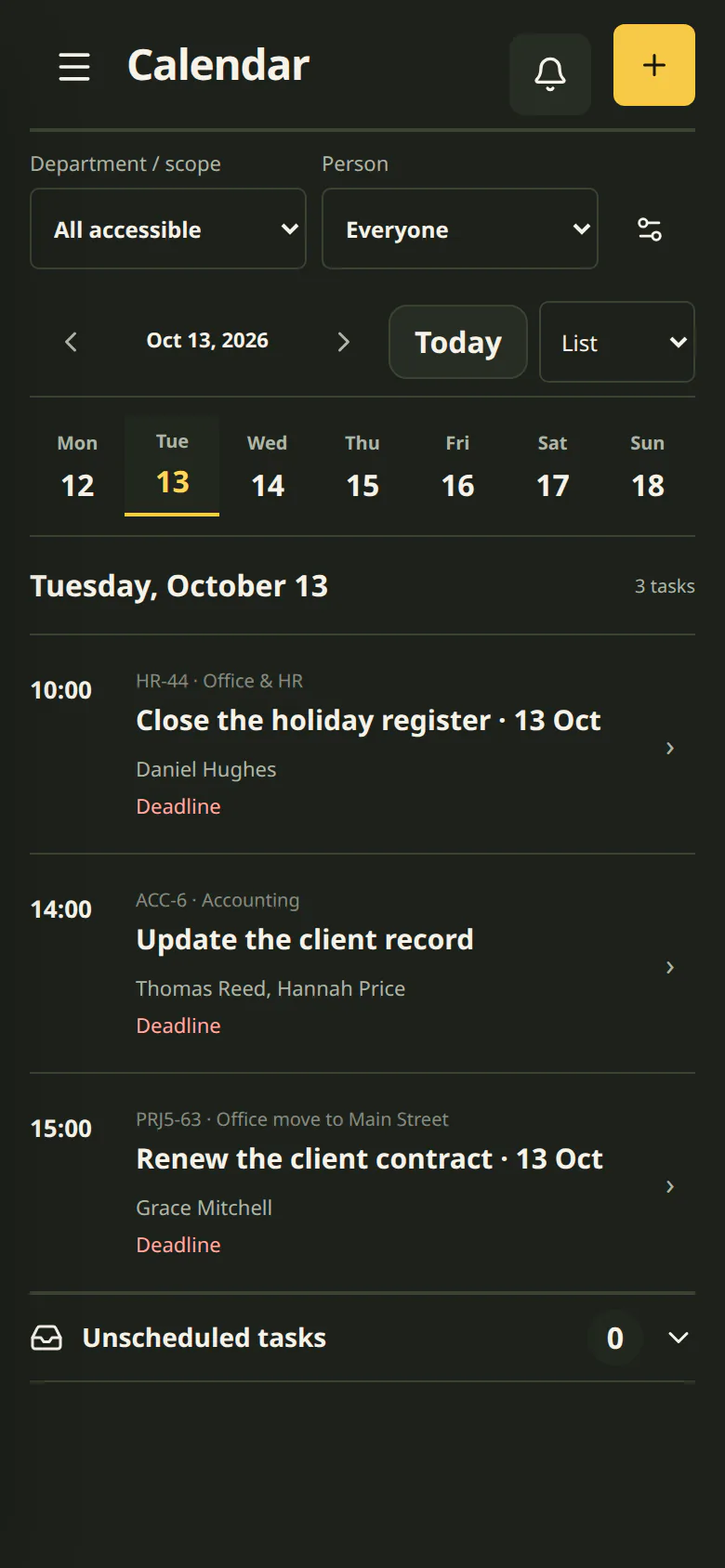
Add time blocks, participants, and recurrence to tasks. The calendar also highlights capacity and scheduling conflicts.
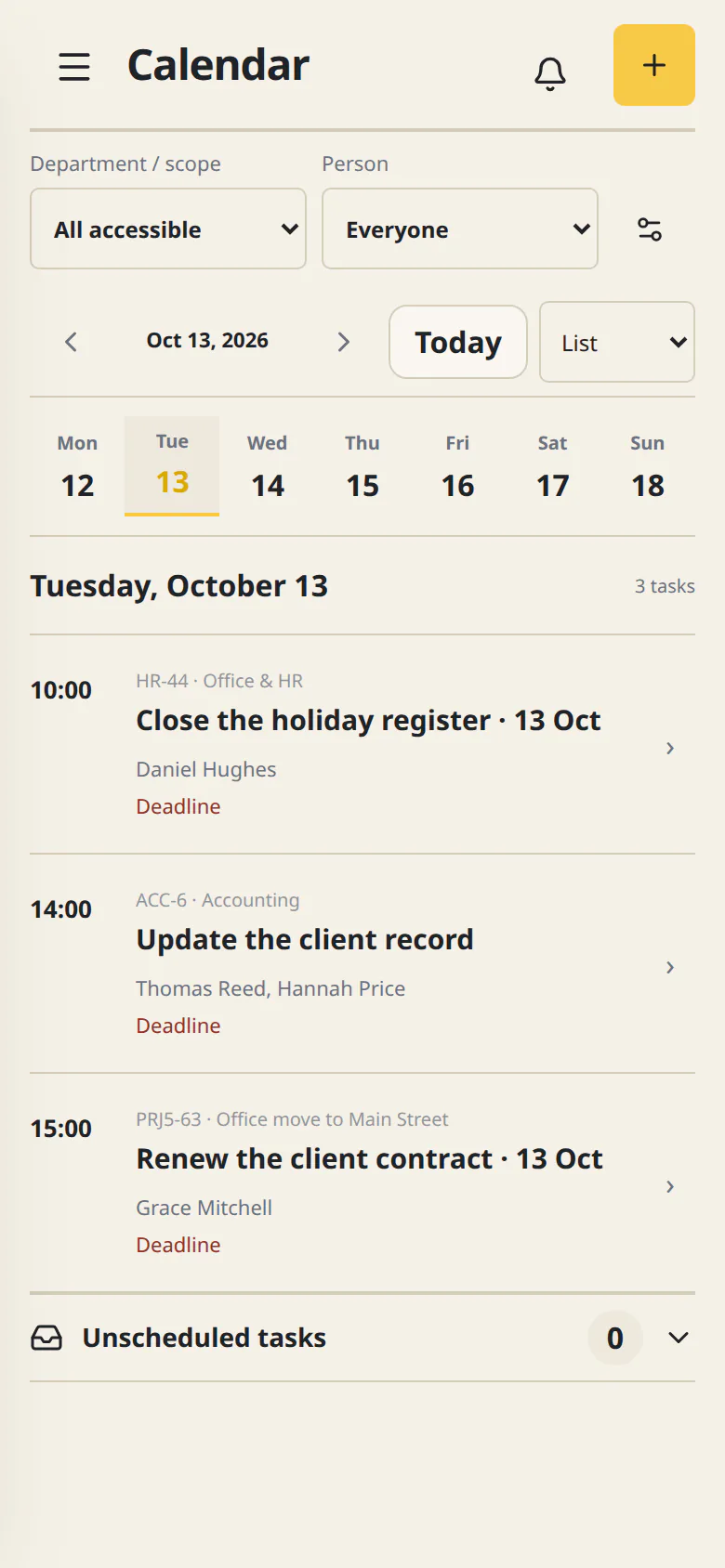
Build a folder-based, versioned knowledge base with access controls, and link published documents directly to tasks.


Publish to everyone or selected groups with images, scheduling, reactions, and followable comments.


Invite colleagues, assign them to groups and roles, and manage workspace membership in one place.


Groups, custom roles, and resource-level access control visibility and available actions.


Prepare editable task drafts, break work into smaller steps, write or summarize faster, and ask sourced questions about Cetli content you can access.


Screenshots come from the real Cetli app with fictional team data and switch with the light or dark theme.
Move to Cetli
Bring your tasks over from Excel in a few clicks; from other systems, we'll help you move in person.
For example from
What you use today and which data matters most.
A ready method, a custom transfer or a manual switch – we'll be honest about it.
We guide you through the move so your team starts smoothly.
Migration help is currently free, with no one-off fee. The first step is just a conversation, with no obligation.
Independent assistance: naming these systems does not imply an official partnership or an automatic integration.
What you can rely on
Cetli follows the same principles for every important action: permissions, traceability, and human approval.
AI prepares editable suggestions; a task or change can only be saved after the user approves it.
Add Cetli to your home screen and get a push notification when something is waiting for you.
Everyone sees and does what their work requires, based on groups and custom roles.
Only you can see your personal private tasks – not even the workspace administrator can access them.
Creating, assigning, meaningfully changing, commenting on, and closing a task stays traceable.
Send or forward requests to your workspace’s own @cetli.net address, then turn them into tasks in the right group or project.
For team leads
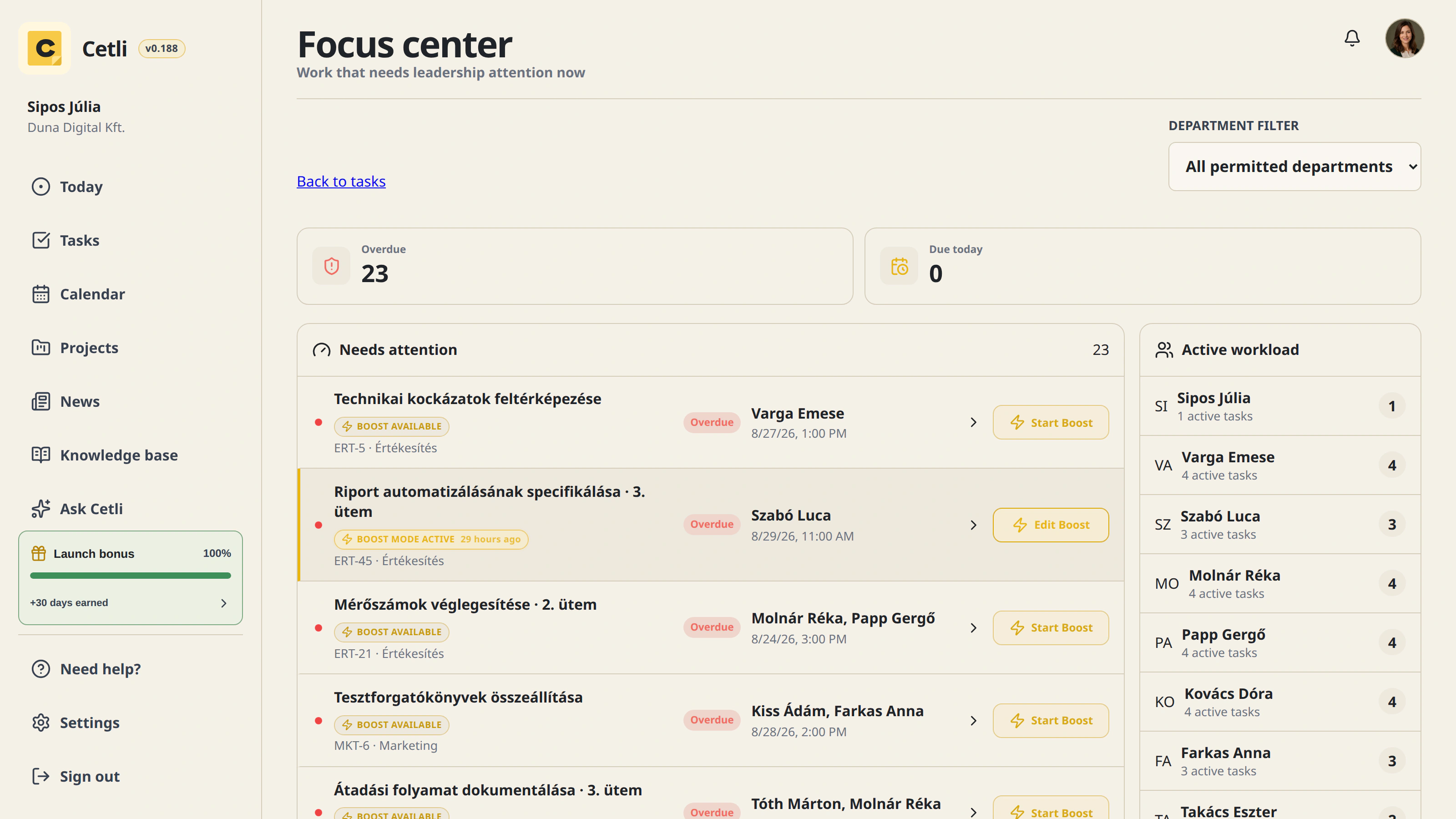
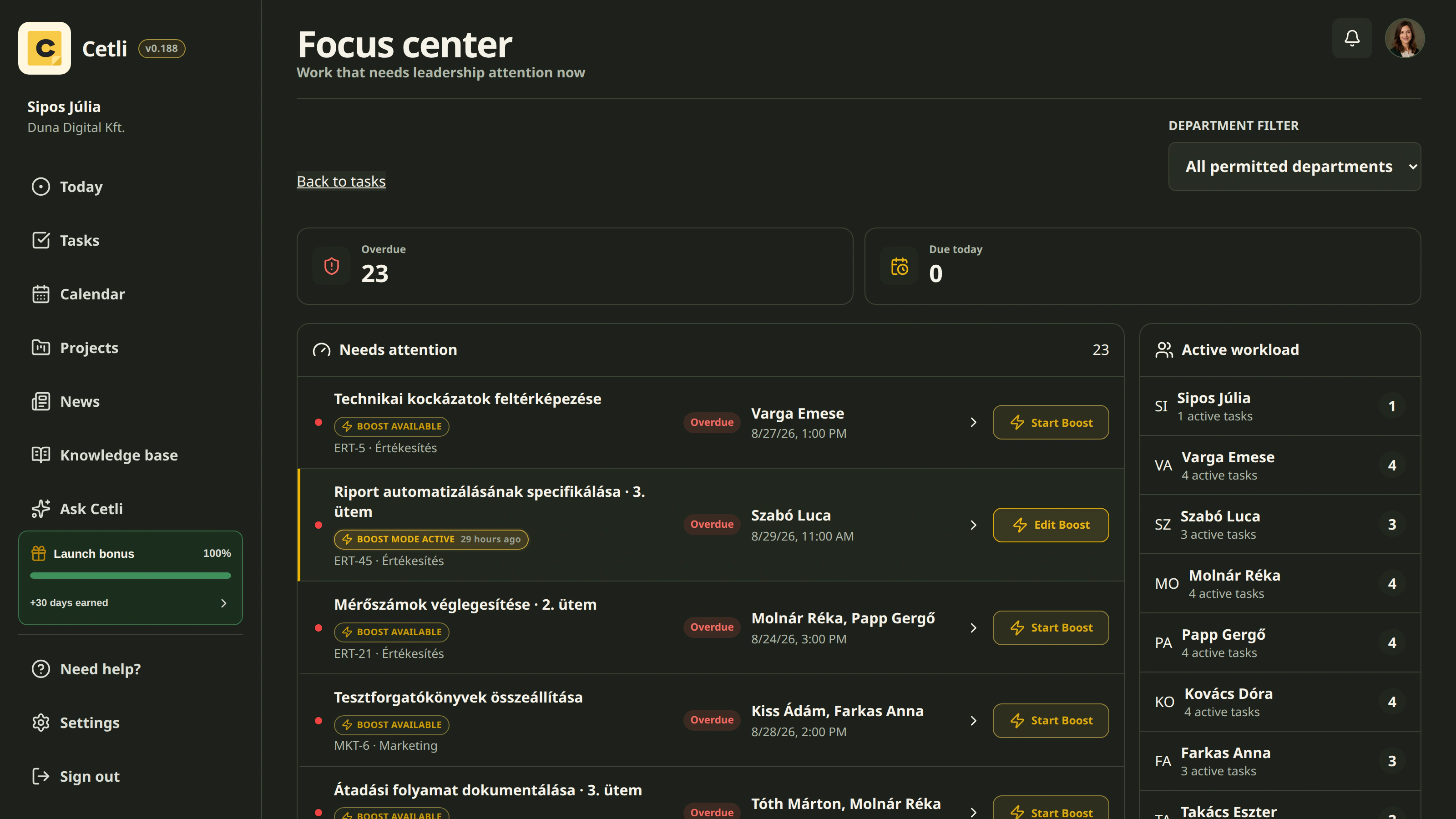
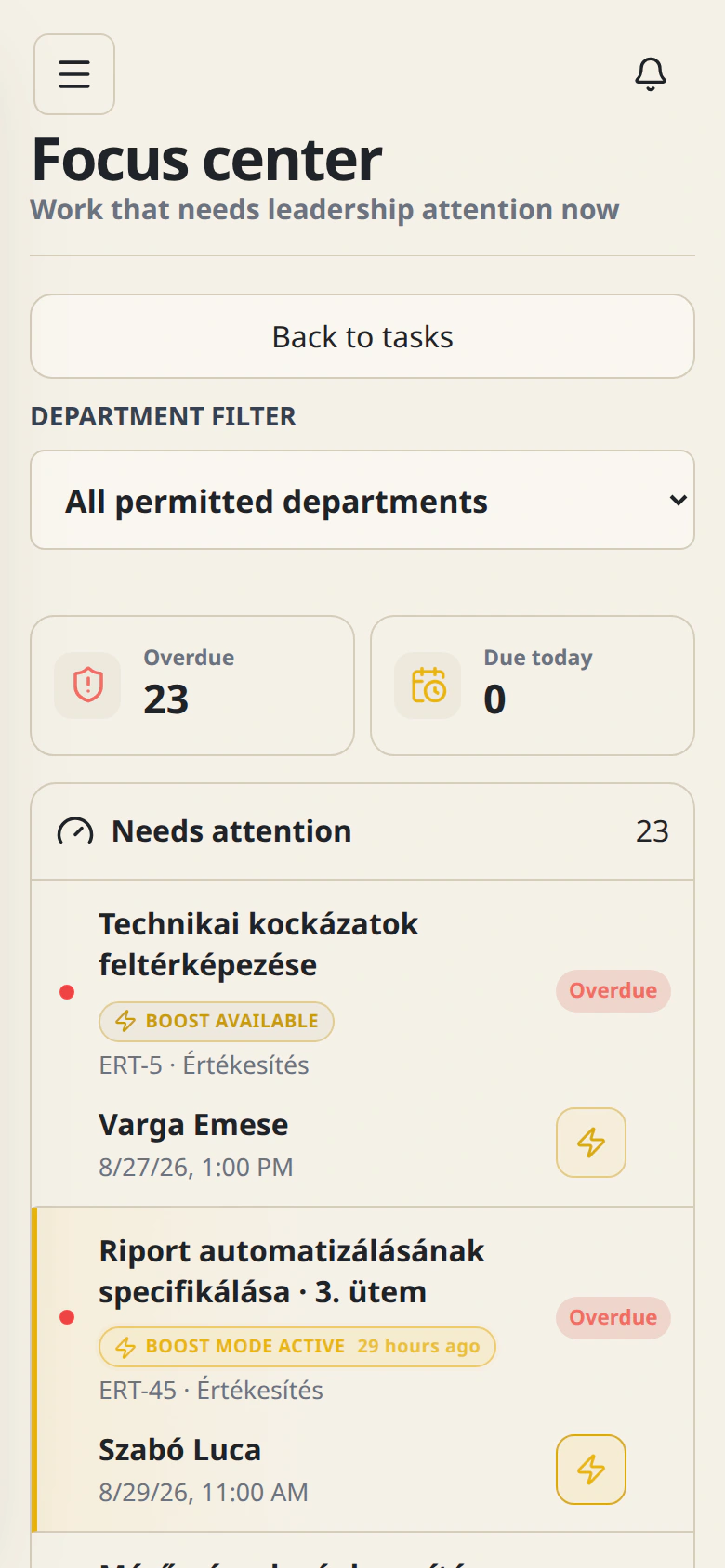
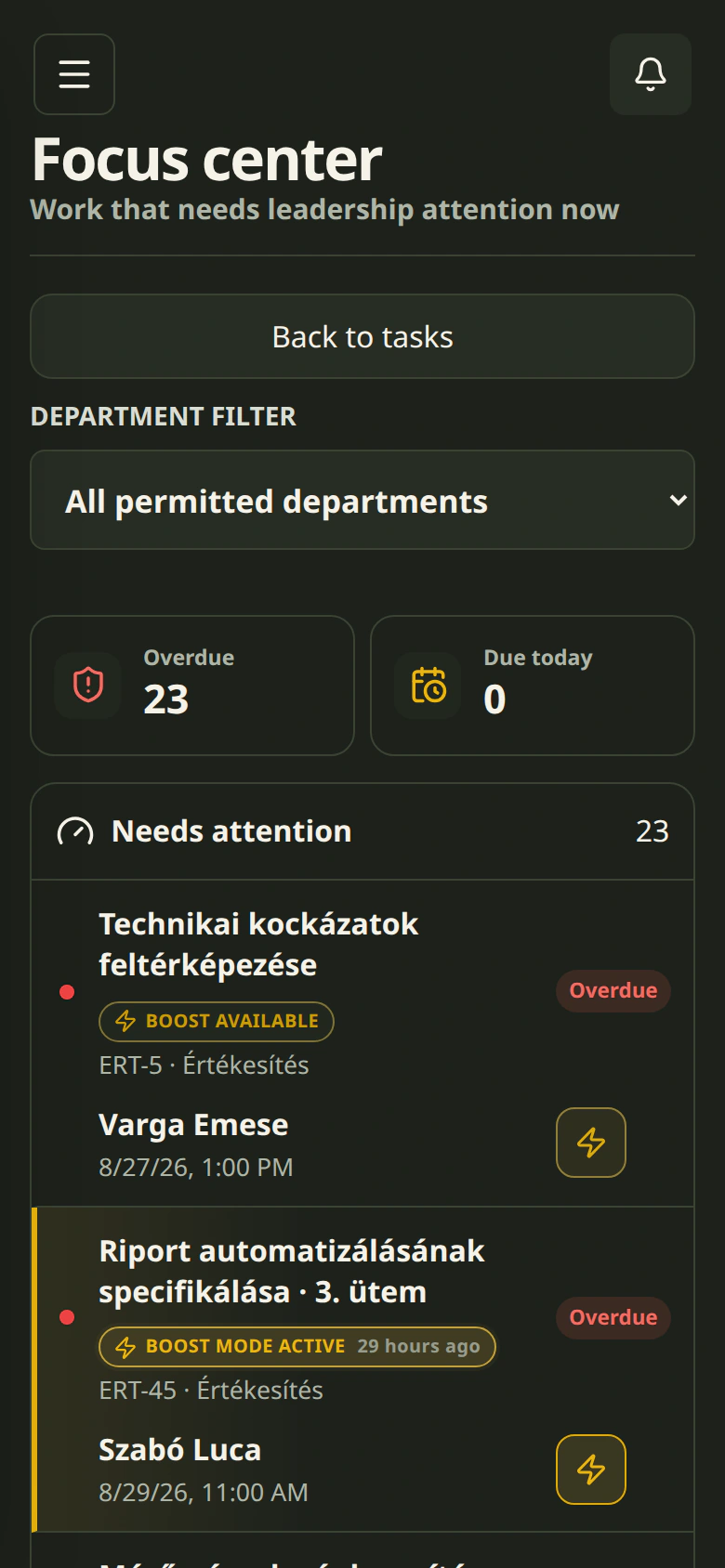
Gathers work that needs attention and shows its owners and the team’s active workload – always limited to the groups you are allowed to see.
Pricing
Get started for HUF 9,990 + VAT per month for your whole team. Start with a 30-day trial, no card required: Start+ for 1–5 people, or Mini for business teams planning for 6 or more.
The annual plan shows the monthly equivalent after a 20% discount. Annual plans are billed yearly.
Start+
30 days freeFor entrepreneurs and small businesses. Tasks, deadlines and responsibilities in one place for teams of 1–5.
9,990HUF Your whole team, up to 5 people Try it free →Mini
First month freeFor 3–15-person teams with 1–2 groups: a shop, office or workshop where daily tasks still live in chat.
Medium
First month freeFor 15–30-person companies with several groups, sites or shifts, where work moves between people and departments.
Pro
First month freeFor 30–50-person organisations with several departments and projects that need leadership overview and precise permissions.
Start
Pro Max
Every new workspace starts with a 30-day trial without a card. Business teams planning for 6 or more people start on Mini; all others start on Start+. Invite two additional registered members and create at least 50 workspace tasks during that period to earn another 30 free days. We credit the bonus only when you create a Stripe subscription with a bank card, adding it to your remaining trial. For example, subscribing on day 5 gives you 25 + 30 free days before your first charge. Without a subscription, the original 30-day trial is not extended.
Additional users with every plan except Start: +2,000 HUF + VAT per user/month. Request an increase at info@cetli.net.
*Displayed prices are net and exclude VAT.
Questions
What is worth knowing before choosing a company system. If something is missing, write to us: info@cetli.net
Yes. Requests sent or forwarded to your workspace’s dedicated @cetli.net address can be turned into tasks manually. This beta feature is available on Mini and higher; on Start and Start+, Change plan opens the plan comparison. Rollout is gradual: if you cannot see the Emails menu, ask about availability at info@cetli.net.
A workspace administrator chooses a unique name@cetli.net address on the Emails page. The first part must contain 2–63 unaccented letters, numbers, dots, hyphens or underscores; start and end with a letter or number and avoid consecutive dots. The full-address preview is not a reservation: availability is checked when the address is created. Once created, the address cannot be changed. Only messages received afterwards appear; forward older messages here from your usual email app. You do not need to connect a personal Gmail account.
Workspace administrators and members with email management permission see the shared inbox. Unclassified and Suspected spam are separate tabs; the menu badge totals messages awaiting processing in both tabs. Open a message, choose a group or project you can access and create tasks in, optionally select an assignee, and click Create task. This is not automatic. The message leaves the inbox, and its content and transferred files follow the task’s permissions.
You can choose separately whether to include the email body and attachments. PDF, XLS, XLSX, CSV, common image and video formats, and archives are accepted. Limits are 25 MB per file, 20 attachments and 20 inline images per email; the sender’s provider may impose a lower total message size. Files use workspace storage as soon as they arrive. Missing or rejected files are reported, and creating a task without them requires explicit acknowledgment.
No. This feature receives incoming requests and turns them into tasks. Keep using your usual email app to reply. Messages are processed periodically, so they may not appear immediately. For questions or unexpected behavior, contact info@cetli.net.
No. Cetli works in the browser on computers and phones. On mobile you can add it to the home screen without an app store – see the steps in the On mobile section below.
If you do not subscribe, the workspace returns to the free Start plan, where 2 members can work actively. Nothing is deleted: other members keep their accounts and work, and regain access automatically after you subscribe.
AI is available on paid plans and only runs when someone explicitly starts an AI action: asking for a task draft, a summary, a writing suggestion or an answer. It receives only the content needed for that request that the user can already see; never passwords, files or task history. The result is an editable suggestion that is saved only after the user approves it. Roles control who may use it. The AI provider is DeepSeek, which may also process data on servers in China – the Privacy Policy has the details.
Yes. Create daily, weekly, monthly, quarterly, semiannual, and yearly series with weekend rules, pausing, and resuming.
Existing users and data remain. If usage exceeds the new plan, existing content stays available, while new quota-consuming actions require freeing capacity or upgrading.
We help in person. If we have already moved another team from the same system, we may have a ready transfer method; if not, we'll check whether and how it can be done. You can import tasks yourself from an Excel or CSV file into an existing group; other systems have no self-service import yet. Migration help is currently free, with no one-off fee. After signing up, request help under “Move to Cetli” in the app.
The server independently checks access to every workspace, task, project, knowledge document, and file. Read the Privacy Policy for detailed data-processing information.
On mobile
Cetli works straight from the browser. On a phone you can add it to the home screen and receive push notifications.
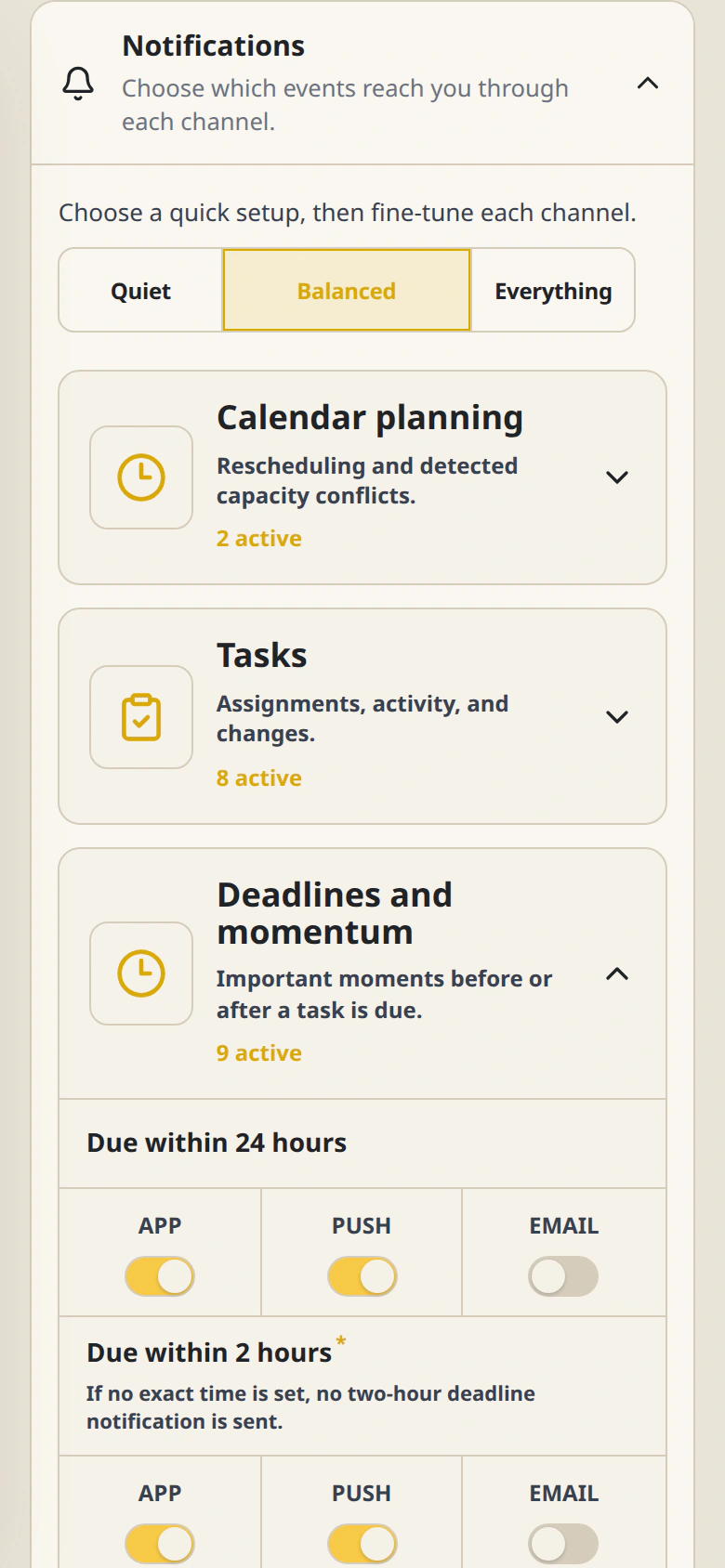
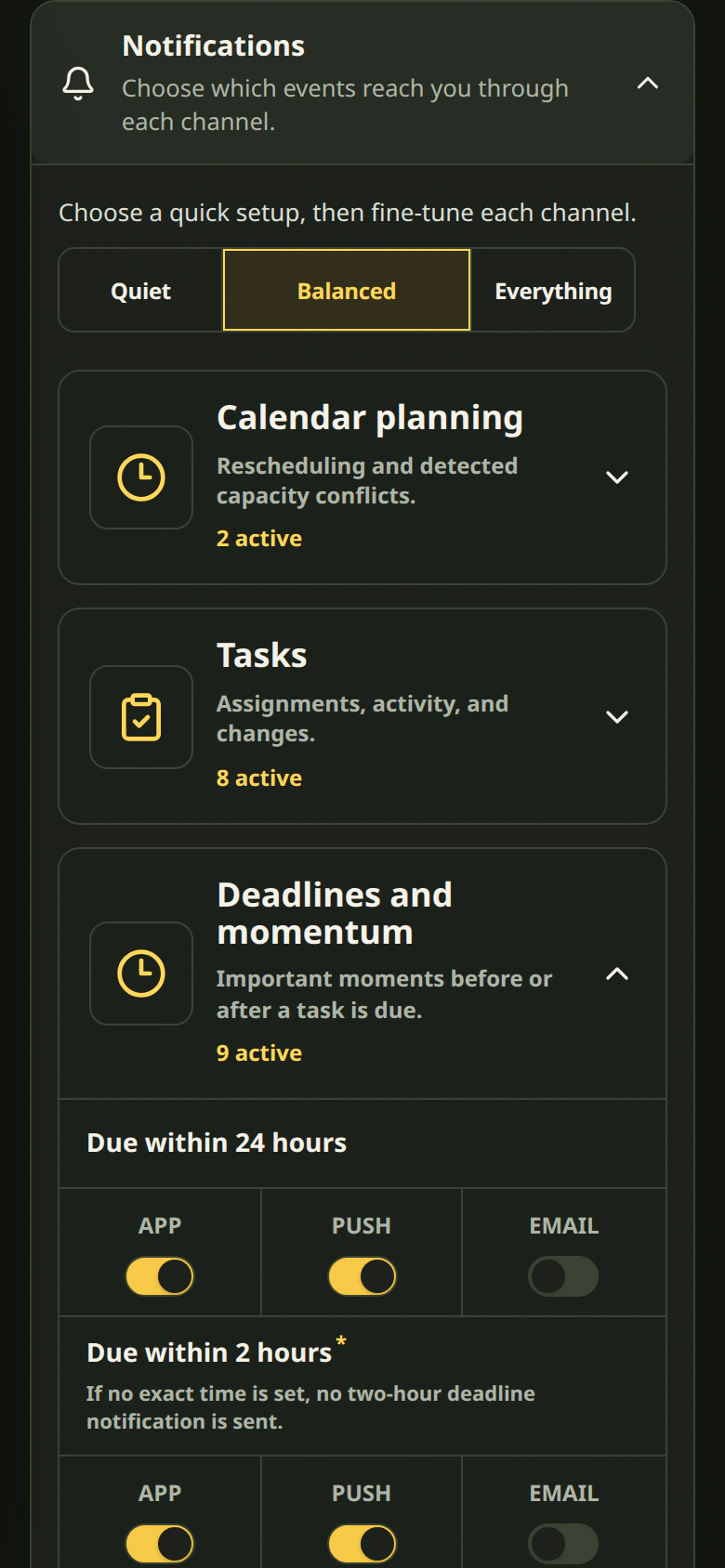
For push notifications, allow notifications after installing, then turn on the Push channels under Settings → Notifications in Cetli.
Articles
Real situations and decision criteria for small and growing teams.
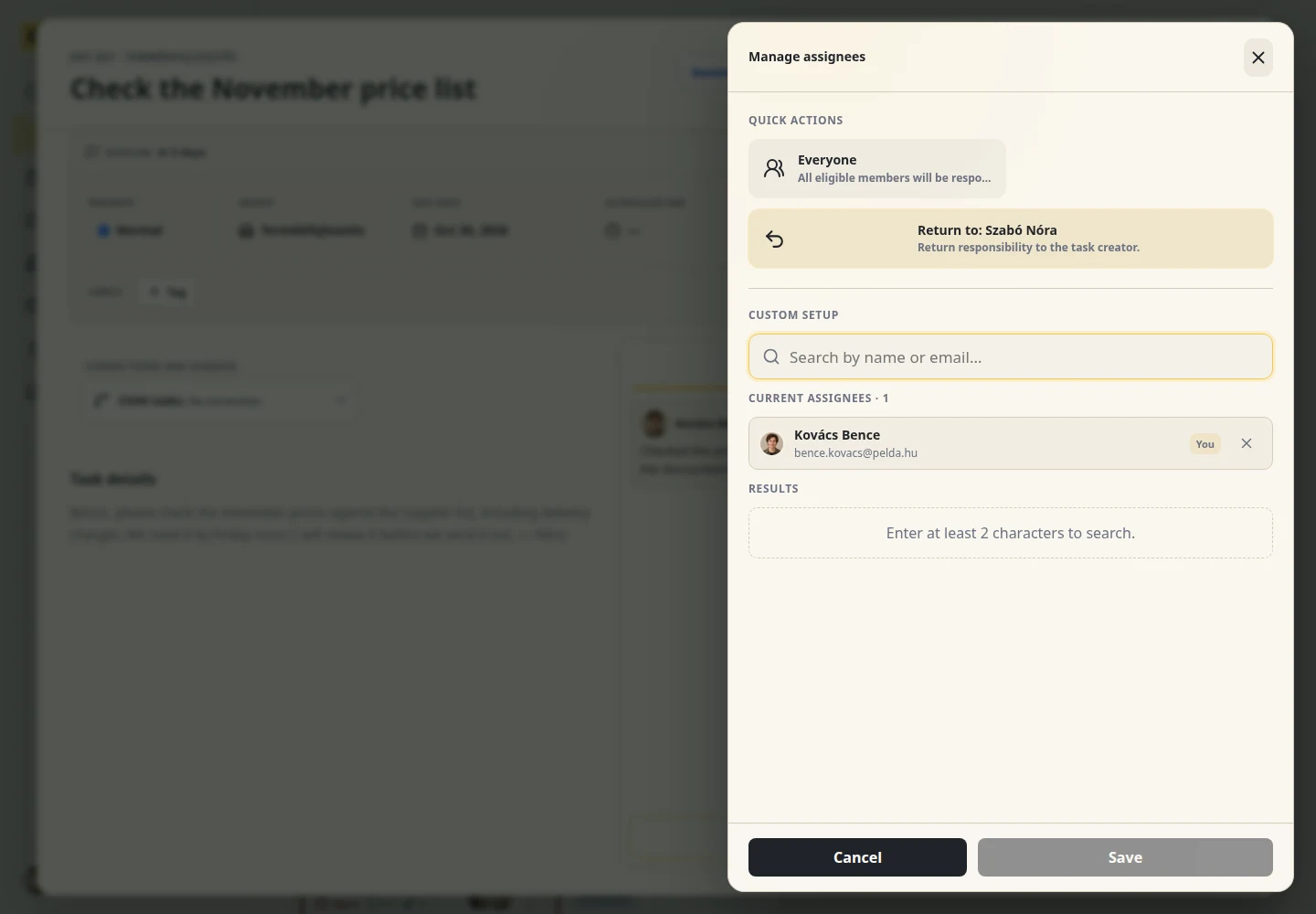
Nóra assigns a task, Bence does the work, then hands it back for review. Follow a price list update to see what they click, what they write to each other, and when the task is really finished.

Not every lost internal task is a customer-management problem. Here is how to tell when you need a CRM and when a simple internal task manager fits better.

The winner is not the tool with the longest feature list. It is the one the team still uses during a hectic Tuesday.

If ownership, deadlines, and history live in three different places, it may be time to give daily work one shared home.
Create a workspace, capture your first task, and try it with your own workflow.
Try it for freeFree for up to 2 people · no card required